Configuration
In the config.lua file, this is where you will make most of the changes your server needs.
Mining
- For the first setting:
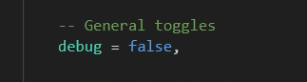
This is where you can toggle it between true/false to see where all the zones and props/items are located.
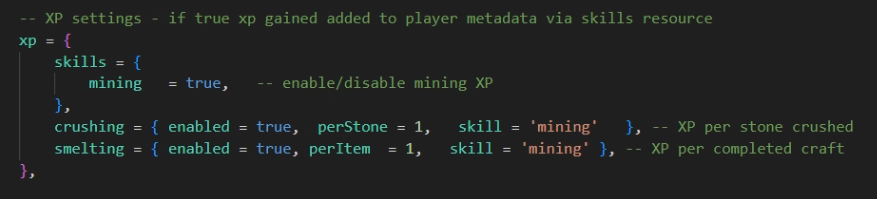
anims )section you can change them if you'd like but we recommend you keep them as they are.- For experience gain and calculations, we suggest you make sure you have also installed the dependency required
k_skills. The link is provided in ReadMe.md file in the resource as well as on this documentation website. - You can enable or disable experience gain for mining, crushing or smelting. They are all individually toggled.
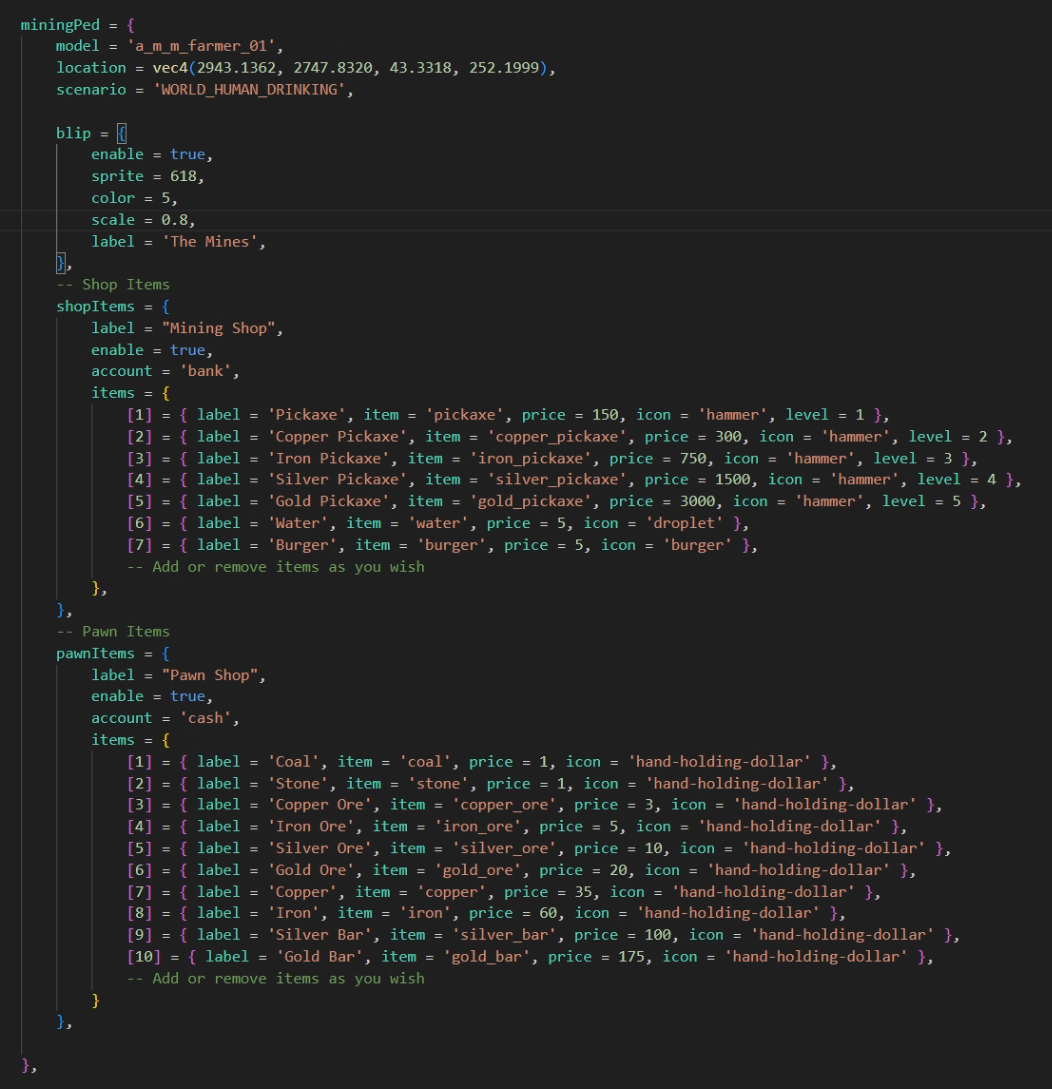
- You can adjust the location of the mining ped as well as the blip information and toggling. You can also edit/add/remove shop items as well as pawn items.
- All of that can be found in the section shown below:
- Mining Zones
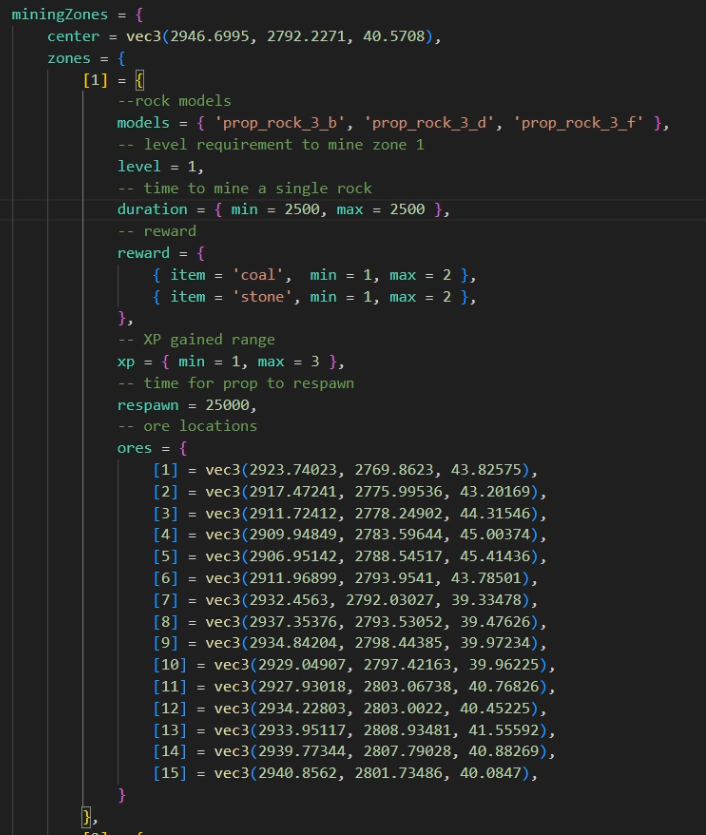
Currently there are 5 zones specified in the config file. You can add more or remove some if you want to. Keep in mind in each zone you can specify the following:
-prop models
-level required to mine the rock
-duration to mine a single rock
-reward you get from each rock
-xp you gain from each
-respawn timer for each rock
-locations for all rocks in the zone.
Stone Crushing
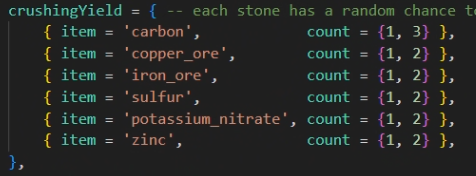
This one is fairly straight forward. In the section shown below you can adjust how much time it takes to crush 1 stone, how many stones you can crush per batch (you will see that in the UI slider) and what kind of rewards you will get from crushing one stone.
Each stone has a chance to give you a 1-2 items of any of these items listed below:
You can also change the prop locations for the stone crushing to another location if you wish.
Smelting
For this one, it's also fairly simple.
You can adjust the location of the smelter by changing the smelterCoords. However....
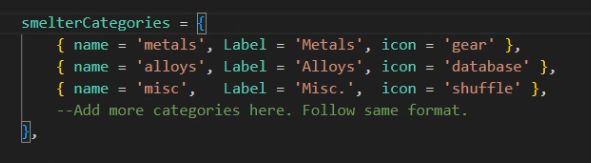
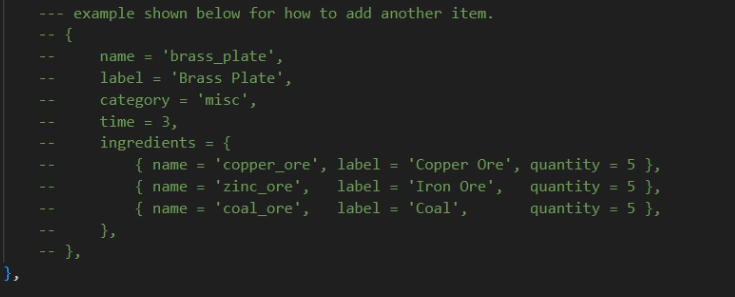
You can add categories that will appear in the UI as well as recipes and what they require. Follow the example for adding recipes show in the config.